Tuesday, July 21, 2015

Must Click Immediately!

I received this email recently.  Looks legit and serious! :-)  I better open that attachment...


   While many people would recognize this as a problem, many others would click to see what info is in the attachment.

   We regularly read about advanced and targeted attacks.  While there is plenty of nasty malware out there, most attacks start with a click.  Make sure it's not yours!

   Here are some tips to help you recognize a phishing email.

Tuesday, July 7, 2015

ID Fraud... What to do Now

   I've written about Identity Fraud in the past.  Today I'd like to review what you need to do now if you are a victim.  I have written about this before, but a picture is worth a thousand words... and a video?...


Tuesday, June 23, 2015

Say It Ain't So LastPass!

   There are so many data breaches happening each week that it's easy to become numb to all the announcements.  Sometimes one or two dominate the news because of the size or importance of the breach.  Sometimes there is confusion in the media about the breach or the significance.  Sometimes the experts don't agree.

   I think most people have heard about the OPM - Federal (US) Office of Personnel Management - breach in which personal information on over 4 million people, including security clearance information, possibly dating back to 1985 was stolen in attack on federal computers.  Everyone agrees that this one was big and bad.  But also in the news was the breach of information at LastPass, and there is far less consensus on the impact.

   LastPass is a password vault - a program that lets you store all your passwords in an encrypted "safe".  I've talked about password vaults many times in the past.  I have always recommended the use of a password vault and I still do.

   First, let's discuss what happened.

Tuesday, April 28, 2015

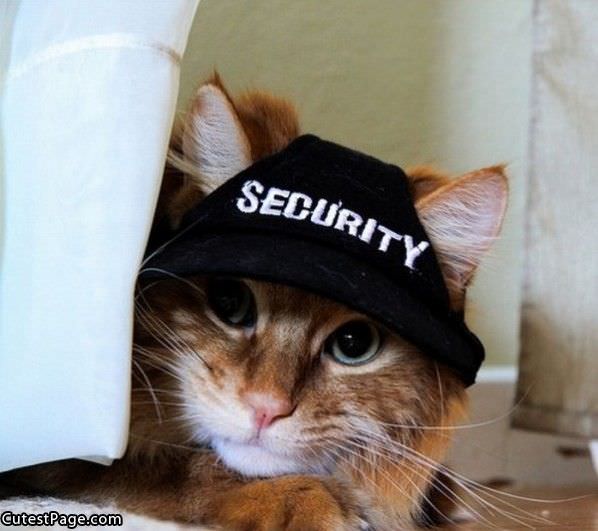
I Know Where Your Cat Lives!

   Today's post brings together two of the most important, popular and topics online - security and privacy of your information on the Internet and... Cats!

   We know why the first topic is important.  I've written plenty about data breaches, keeping yourself safe online and how to decrease your exposure to identity fraud.  But cats?  Interestingly, the Internet has had a long fascination with cats.  And memes are everywhere starting with the early days of Lolcats and Keyboard Cat.  Disclaimer - I am not a cat person... I don't own any and am not a fan.  But I do like a good meme!

  Regardless of your pet of choice, we do care about our pets and they are often treated like members of the families.  And that includes... pictures.  If you do a search on cat pictures or pet pictures, you'll see plenty.  If you look on people's social network profiles, Facebook, Instagram, Pinterest, etc., there will be pet pictures all over the place.  You can even find them on "professional" sites like LinkedIn.

   Looping back to security and privacy... it's hard enough to keep your data safe when you're deciding what to share.  Many sites deal with the normal stuff - name, A/S/L, credit card numbers, and more.  You can enter this info to a site, or not.  But it's much harder when you don't realize that you are sharing data.  Or, put another way, how do you know when you're sharing more than you think you are.  There is hidden data and data sharing happening on the net everywhere.  For example, when you connect to a website, that connection creates a log that includes things like: your IP address, your browser type, your computer/phone/tablet operating system and other info.  The site may put a "tracking cookie" on your machine to help customize your experience while gathering more data.

   Then there's metadata.  This is data about data.  For example, when you take a picture with a digital camera or your phone, there is all kinds of additional data "attached" to that photo including: location, IP address, and timestamp.  There is also a great deal of extra visual information, other than the core subject in the photo including: views of your house, entrances, other people and surroundings.

   There is a fun and interesting website called "I Know Where Your Cat Lives".  They simply connect to photo sharing and social sites, grab cat photos, mine the metadata, connect the photo to a map, and create stats and charts.  Oh yes, and display cat photos!

   The lesson here is to pay attention to your digital surrounding.  When you take a picture, know what else is in that picture.  When upload a picture to a site, think about what data is going with that picture.  Most photo software gives you the ability to edit and alter most of the metadata.  Are you automatically uploading photos?

Tuesday, April 14, 2015

It Wasn't Englebart's Fault! (part 2)

   When we have a post with a "part 1", it probably means we should have a "part 2".  Sometimes other things get in the way!

   A few posts ago we had part 1 of this discussion.  To briefly review, Douglas Englebart was an engineer, inventor and pioneer of the early internet.  He died in 2013.  He was known for a number of key ideas and inventions.  In 1967, he invented a very useful computer device that is a key component in propagating malware and facilitating phishing attacks... the Mouse!

   In part 1 we discussed how malware (malicious software) like viruses get into our computer systems.  Today we'll wrap things up by looking at why it's difficult for our organizations to stop this malware (and why it's difficult to stop this at home).

   Really, the primary issue this stuff is hard to stop is because it's too easy to click on links and attachments.  As we discussed in part 1, as long as we're clicking, we'll have problems.

   But what about anti-virus software?  Anti-virus (or anti-malware or endpoint protection) software has been around for nearly 30 years.  Yet malware problems seem to be getting worse.  (I'll continue to use the term "virus" generically, but I'm really talking about any kind of malware.)

Tuesday, March 31, 2015

Sign Up Now at IRS.gov!

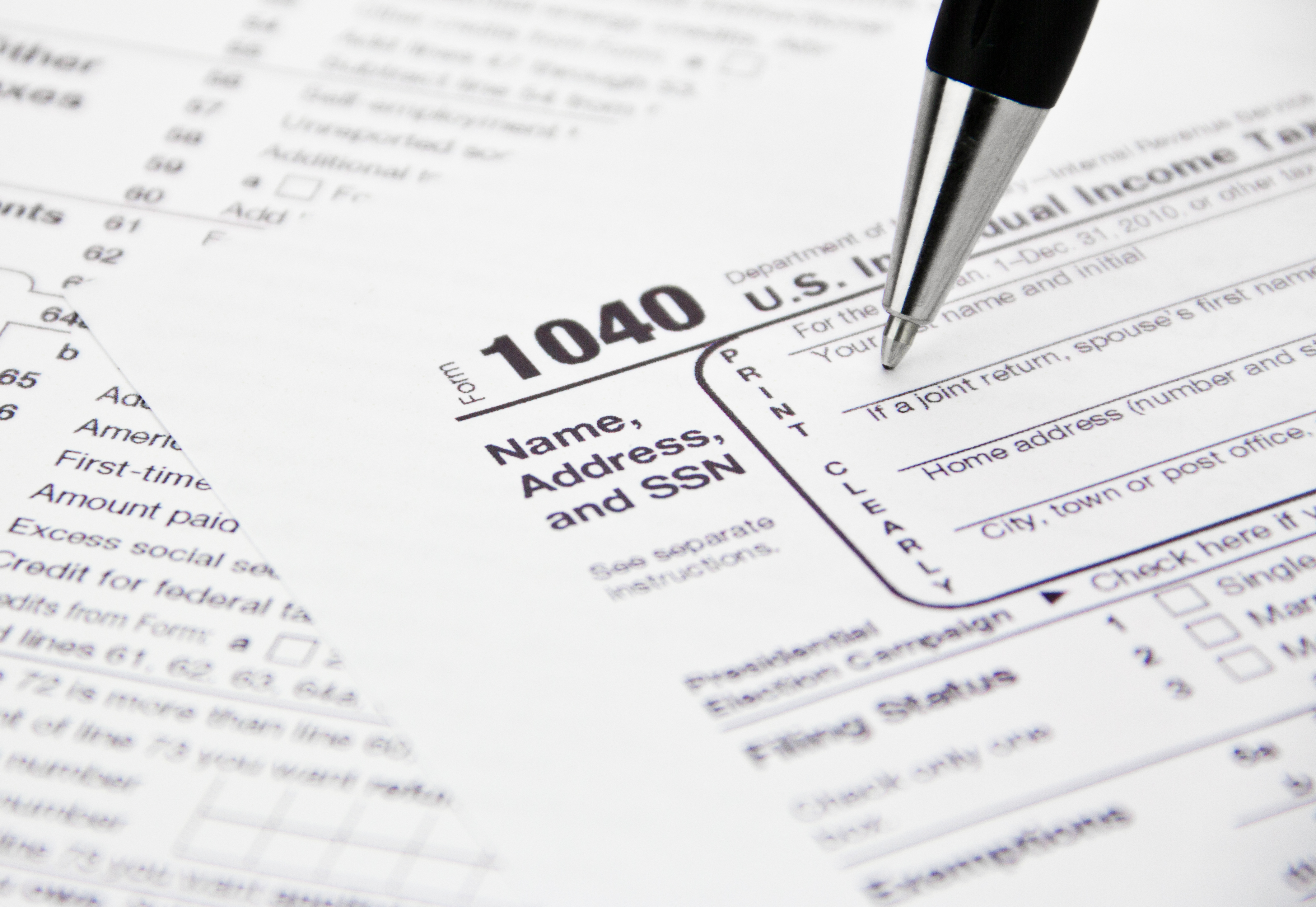
   ID Fraud has been a popular topic lately.  This is especially timely with it being tax season in the US and the filing deadline around the corner.  I wrote about ID Fraud and taxes a few posts ago.

   I'm a big fan of Brian Krebs' work.  Whether you're a security professional or a consumer interested in the security and privacy of your information (or both!), his blog posts and articles are usually great reads.  He recently put up a post entitled "Sign up at IRS.gov, before the crooks do it for you".  Read it here.

   It turns out that the IRS has a function on its website that allows you to get information about your past and current returns.  You need to create an account to do so.  The site does use a form of "identity proofing".  This means that the site asks you to provide personal data that it matches to information it already has.

   Identity Proofing is a great idea, in theory.  It's designed to bypass the "Facebook attack" that is effective on so many other websites, particularly those that ask for answers to "secret questions".  The so-called Facebook attack is when the answers to the secret questions or other identity information can easily be found on someone's Facebook page, or other social media (since Facebook is the "Kleenex" of social media! :-).

   Side note... as I've discussed in the past, the "correct" way to answer secret questions is to not answer them truthfully.  Then save your answers in your password vault.  You do have a password vault, right?

   The issue is that an ID thief can get to the site and set up an account in your name before you do!  They can then use that to get more identity and tax information about you.  Of course, the potential thief must know or guess a certain amount of information first.

   From the Krebs' article:
If you’re an American and haven’t yet created an account at irs.gov, you may want to take care of that before tax fraudsters create an account in your name and steal your personal and tax data in the process.
   From the IRS.gov website, here is what you need to sign up:
"The personal information you enter must match the information you provided us on your most recent tax return. We use the following information to verify your identity:
  • Name
  • Social Security Number or Individual Tax ID Number (ITIN)
  • Date of Birth
  • Filing Status
  • Mailing Address
  • Third Party Verification Questions - you must provide answers to questions about personal information such as prior address, mortgage information, etc., that only you should know.
You must also provide us with a valid email address, which we will confirm and use to notify you if your registration information changes. Your confirmation email should arrive quickly so check your junk folder if you don't see it."
   Note that you might need your tax return handy when you sign up.  You need to enter your info exactly as it appears in your tax records.  For example, did you use "road" or "rd" or "rd." in your address?

   Whether or not you plan to use the IRS online transcript services, you should still get in there and create your account... before someone does it for you!

Tuesday, March 24, 2015

GOOD DAY

   I received the following email recently.  Looks too good to be true!  $1.5Million united state dollars!  Maybe I should reply? :-)

   The only thing missing is a link or attachment.

   Of course, there are tons of emails like this around.  And people do respond.

   Would you respond?  How many people at your workplace would respond?  How would you help people recognize this kind of email and not respond?

--------------
From: Dr. Xxxxx Xxxxx
Reply-To: "Dr.Xxxxx Xxxxx"
To:
Date: Fri, Mar 20, 2015 at 6:58 AM
Subject: GOOD DAY

Good day,

How are you doing hoping all is well with you and your family? We know you might have forgotten about this your outstanding compensation payment due to delay on the delivery up till now. We are here by writing to inform you that your payment file was found in our Office and we discovered that your Compensation payment of $1.5Million united state dollars have not been sent to you as it was instructed by The Economic Community of West African States (ECO-WAS)We are here to inform you that your payment has been converted into ATM Visa/Master Card to free it from Expiring, and all the necessary Arrangement for your

ATM VISA CARD Payment worth of $1.5Million United State Dollars has been granted for your payment through Our ATM Card Department Center.Now Your ATM Visa/Master Card is well packaged with every legal documents to convey it having any problem with any Authorities or with your Federal Government therefore we are here by inviting you to our office here in Republic of Benin, Office Address, UNITED BANK OF AFRICA BENIN, Xxx Xxx n,Xxxx Xxxx 2000, to enable us complete the normal formalities and activation process of your ATM Visa Card and issue the Secret PIN CODE/NUMBER to enable

you start using it at any ATM MACHINE worldwide of your choice nearest to you, as soon as it is activated, But if you are unable to come down here in our office in person you will be required to update our ATM Department Center with your contact delivery details as stated below so that they will proceed with

the necessary arrangement for the delivery of your ATM VISA/MASTER CARD.

1. Your Full name, ________________
2. Your home Address, _____________
3. Your telephone number, _________
4. A copy of your ID, _____________
5. Your age/sex, __________________
6. Your occupation, _______________
7. Your country, __________________

Therefore you should contact OUR ATM CARD PAYMENT DEPARTMENT CENTER immediately on their below;

E-mail :( dr.xxxxx.243@gmail.com )
Contact Person;
Dr. Xxxxx Xxxxx
Director Of UNITED BANK OF AFRICA BENIN,
Telephone Number; +229 nnn-nnn-nn
Try to call him immediately to know when your ATM VISA CARD will be delivered to you. I am waiting for you to update us as soon as you have received your

Visa/Master ATM Card.
Thanks and God Bless You.
Yours sincerely

Dr. Xxxxx Xxxxx